Visitors judge a website within seconds. Colors, layout, typography, and subtle interactions shape that first impression. A site that feels static or outdated can raise doubts about accuracy and reliability. Designers often focus on visuals and branding, yet the smallest interface details can strongly influence trust. Real time elements create a sense of presence. They signal that information is current and actively maintained.
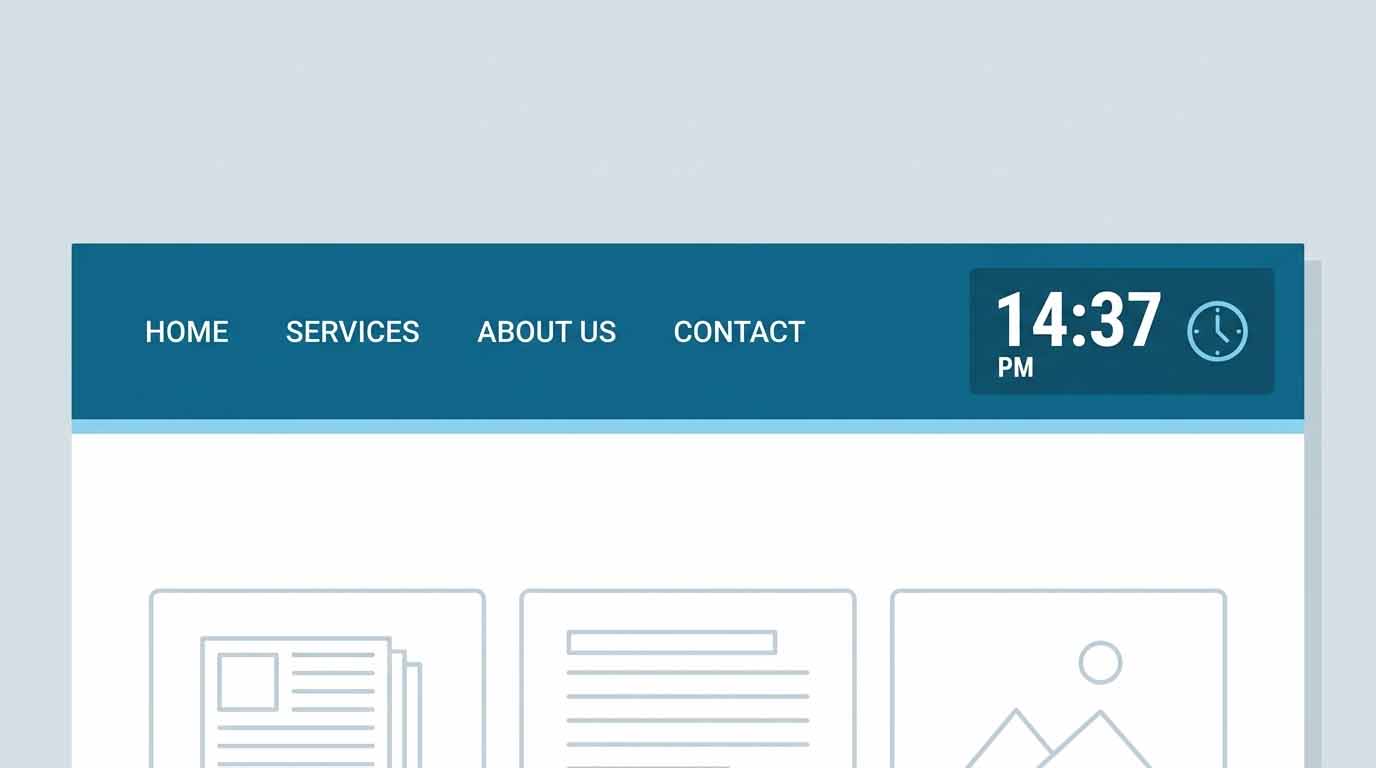
One example is the integration of a digital clock widget. A simple clock showing current time might seem minor, yet it instantly communicates precision. Visitors see that the page reflects real world time. This reinforces credibility, especially on dashboards, marketing pages, or services that rely on accurate information.
Real time interface elements are subtle but powerful signals. They communicate transparency and reliability without overwhelming the design. When thoughtfully implemented, they strengthen user confidence while blending naturally into responsive layouts and modern visual systems.
Quick Summary
- Real time UI elements build trust by showing active and accurate information.
- Small micro interactions signal transparency and technical reliability.
- Clock widgets and live indicators reinforce credibility on modern websites.
- Design consistency, accessibility, and responsive behavior matter for trust.
- Careful placement prevents clutter while strengthening the user experience.
The Psychology Behind Real Time Interfaces
Human perception plays a large role in how digital experiences are evaluated. People instinctively associate movement and live updates with authenticity. Static pages can feel disconnected from the present moment. Real time components bridge that gap.
Consider financial dashboards, booking platforms, or news portals. Users expect data to update instantly. Even subtle cues such as clocks, activity indicators, and dynamic timestamps reinforce the idea that the platform is accurate. Without them, the interface may appear frozen.
Trust forms quickly through these cues. Visitors notice them subconsciously. A page that quietly reflects real time information suggests active monitoring and careful engineering. That perception can significantly influence whether a user stays, signs up, or continues exploring the site.
Interface psychology has been widely studied within the field of user experience design. Research shows that users rely on visual feedback to understand system state. Real time elements provide that feedback instantly.
How Micro Interactions Build Credibility
Micro interactions are small design responses triggered by user behavior or system updates. They might appear as subtle animations, loading indicators, or time based elements. These interactions communicate that the interface is responsive and functioning correctly.
Well designed micro interactions improve usability while reinforcing credibility. Users gain reassurance that the platform is active. This sense of responsiveness reduces uncertainty and improves satisfaction.
Designers already apply micro interactions in many ways. Hover states, progress bars, and notification badges all play a role. Time based components simply extend this concept by reflecting the current moment.
Teams exploring engagement tactics often revisit ideas such as micro interactions for engagement. These design elements strengthen communication between interface and user. Real time indicators are a natural extension of that principle.
Real Time Signals That Strengthen Trust
Many websites quietly rely on real time signals without drawing attention to them. Visitors notice them instinctively, even if they never consciously analyze the feature. The result is a stronger perception of professionalism.
Several interface components perform this role effectively.
1. Live clocks provide immediate confirmation of system accuracy. They are particularly useful on dashboards, productivity tools, and international services.
2. Dynamic timestamps show when content or data was last updated. This helps users confirm that information remains current.
3. Activity indicators reveal that background processes are working. This prevents confusion during loading or processing.
4. Real time notifications communicate changes instantly. Messaging systems and collaboration platforms rely heavily on this pattern.
5. Live counters display statistics that update automatically. Social media feeds and analytics dashboards use them frequently.
Each of these elements communicates transparency. Users can observe system behavior directly. That visibility strengthens confidence in the platform.
Designing Real Time UI Without Visual Noise
Real time elements should support the design rather than dominate it. Poor placement or excessive animations can overwhelm visitors. Designers must balance clarity with restraint.
Placement is often the first consideration. Time indicators usually appear in navigation bars, dashboards, or subtle corner positions. These areas provide visibility without disrupting primary content.
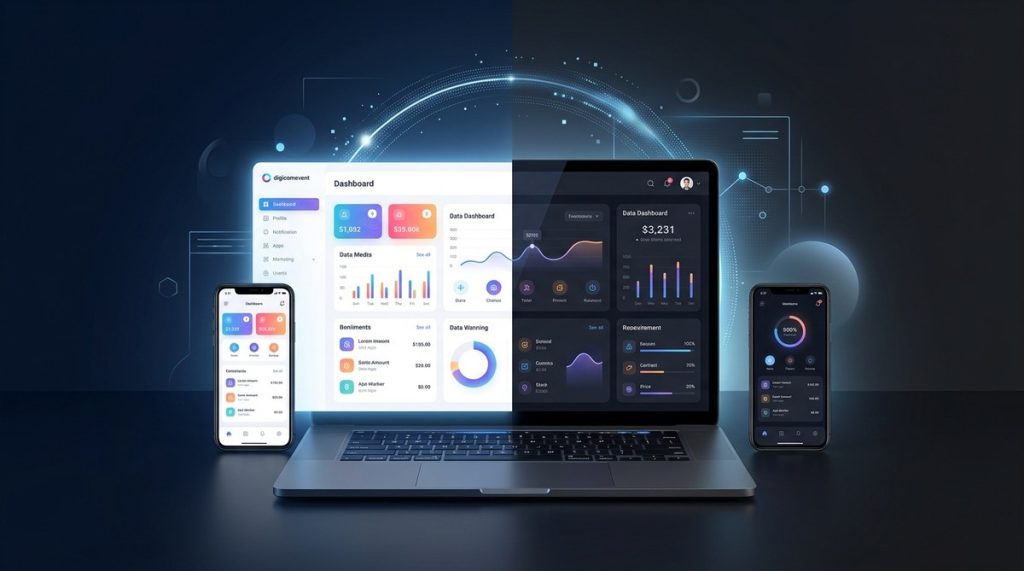
Color and typography also matter. A clock or live indicator should match the site’s visual system. If the interface uses dark mode, the element should follow the same contrast rules and tone.
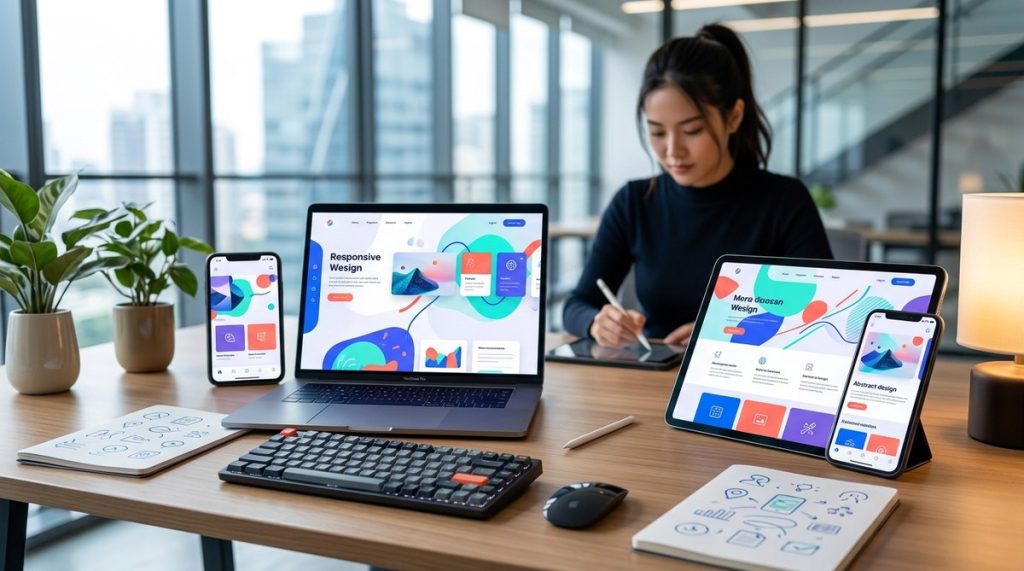
Responsive behavior is equally important. Real time elements must adapt gracefully across devices. Mobile interfaces often reposition clocks or simplify their display to maintain readability.
Design teams frequently study broader layout strategies such as responsive design principles. Real time components must follow those same guidelines. Consistency ensures that credibility signals remain clear across every screen.
Where Real Time Elements Work Best
Different types of websites benefit from time aware interface elements. The goal is always to support user expectations without introducing clutter.
These environments tend to benefit most:
- Financial platforms showing live market information
- Booking systems handling time sensitive reservations
- Customer support portals displaying service availability
- Developer dashboards monitoring server activity
- Marketing sites presenting campaign statistics
In each case, time accuracy directly affects trust. Visitors rely on the interface to reflect the present moment. A static page would feel unreliable in comparison.
Comparison of Real Time UI Components
| Component | Purpose | Credibility Benefit |
|---|---|---|
| Live Clock | Displays current system time | Signals accuracy and transparency |
| Update Timestamp | Shows last data refresh | Confirms information is current |
| Activity Indicator | Indicates system processes | Prevents uncertainty during loading |
| Live Notification | Displays real time updates | Communicates responsiveness |
Design Principles That Make Real Time Elements Effective
Thoughtful implementation ensures these features contribute to credibility rather than distraction. Designers should focus on clarity, subtlety, and consistency.
Several principles guide effective design.
1. Keep the visual footprint small. Real time elements should support the interface rather than compete with primary content.
2. Maintain consistent styling across light and dark themes. This ensures readability in different viewing environments.
3. Update smoothly without abrupt animations. Sudden movements can distract users and reduce perceived professionalism.
4. Ensure accessibility with adequate contrast and readable typography.
5. Test performance across devices to avoid unnecessary script overhead.
Careful attention to these details allows real time signals to strengthen credibility quietly. Users notice reliability without feeling overwhelmed by visual complexity.
Why Subtle Real Time Signals Matter for Brand Perception
Credibility online often comes from small design decisions rather than dramatic visuals. Visitors evaluate consistency, responsiveness, and clarity within seconds of landing on a page.
A subtle clock or live indicator communicates that the site reflects the present moment. This simple detail can reinforce the perception that the organization behind the website is attentive and technically capable.
Brand perception grows from these signals. A modern interface that communicates accuracy builds trust faster than static pages filled with outdated information. Visitors may not consciously identify the feature responsible for that impression. Yet the cumulative effect shapes how the brand is perceived.
Designers who recognize this connection can build interfaces that feel dependable without adding unnecessary complexity.
Building Interfaces That Feel Alive and Reliable
Modern websites aim to feel active rather than static. Subtle real time elements contribute greatly to that goal. They show that systems are synchronized, information is current, and the interface reflects the present moment.
Designers who incorporate these signals thoughtfully create a quiet layer of reassurance. Visitors gain confidence that the site is reliable and carefully maintained. Even small touches such as clocks or timestamps reinforce that message.
Trust grows from these details. A website that communicates accuracy through its interface design feels professional and dependable. That perception encourages deeper engagement and stronger relationships between users and the platforms they visit.
Real time UI elements therefore serve a practical role and a psychological one. They support functionality while strengthening credibility. When integrated with clean layouts and responsive design, they help transform ordinary pages into trustworthy digital environments.