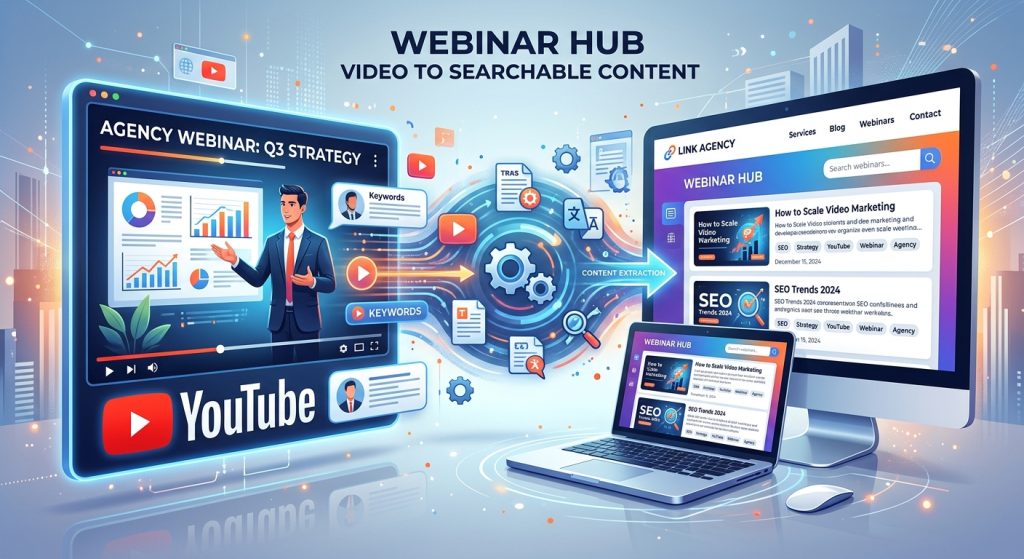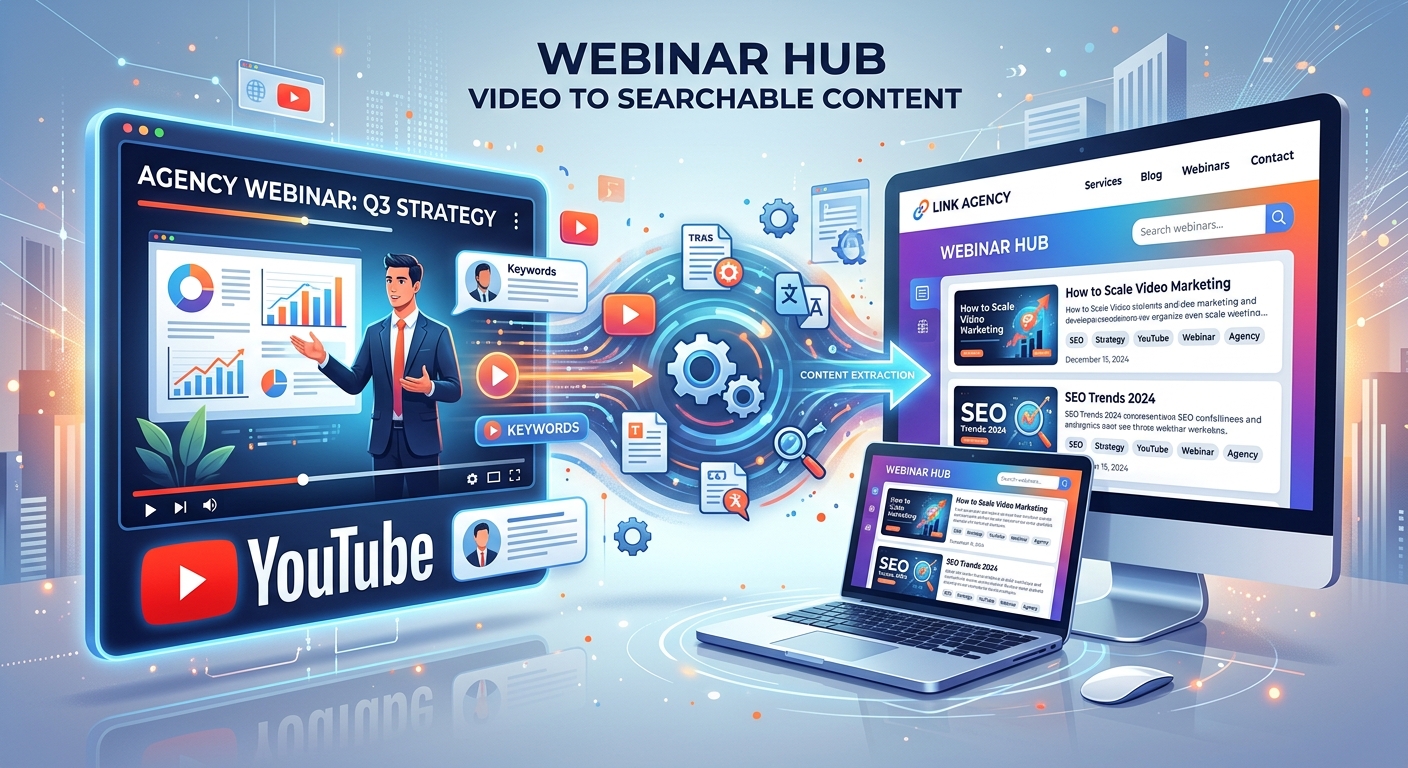
Turning YouTube Webinars Into Searchable Content for Agency Websites
Your client spent an hour answering questions that potential customers ask every week. The webinar went live. The recording landed on YouTube. Then everyone returned to other work. Meanwhile, the client’s website still gives thin answers to those same questions. For a digital agency, that gap is an opportunity to turn useful conversations into resources people can find, read and act on.
From Recording to Reader Resource
A webinar gives an agency source material, but each website resource needs its own purpose. Start with the questions customers want answered. Extract the relevant discussion, check the facts and shape it into a focused summary, FAQ or supporting article. Keep the speaker’s useful examples. Remove event chatter. Publish pages that read comfortably on phones and connect readers to a relevant next step. The goal is useful answers that remain valuable after the live session ends.
Choose Recordings With Questions Worth Answering
Not every webinar deserves a content project. Some sessions depend heavily on live demonstrations. Others focus on a promotion that has already ended. Start with recordings that contain useful advice, clear explanations or detailed answers from someone who knows the client’s work.
A strong candidate might cover onboarding problems, buying decisions, maintenance questions or common mistakes. These subjects give you material that can help a visitor long after the event date.
Check the recording against the client’s current services. A thoughtful discussion about a discontinued product may create more confusion than value. Confirm that the agency has permission to reuse the presentation, guest contributions and any customer examples. Remove personal details from audience questions unless their publication has been approved.
Give each candidate a short content brief. Record its central topic, intended reader, useful examples and anything that needs expert review. This helps the writer understand what the recording can support before drafting begins.
Match Each Resource to a Reader’s Search Intent
A webinar follows an event agenda. A useful website page follows the reader’s need. Those structures rarely match perfectly.
Imagine a client webinar about moving an online shop to a new platform. The event might cover planning, product data, payments and launch checks. Someone searching for migration advice may only want to know whether existing orders will transfer. Another visitor needs a full preparation checklist.
Give those needs different treatment. A narrow question can become an FAQ answer. A process with several decisions may deserve a supporting article. A broader overview can become the webinar’s topic summary.
Build your topic choices from audience questions, sales conversations and existing site search data. If the agency reviews search results, look at the kinds of answers readers are being offered. Use that information to clarify the page’s purpose, rather than copying another site’s structure.
Google’s guidance on helpful content recommends serving an intended audience and adding value beyond copying or rewriting source material. For an agency, that means using the webinar’s expertise to produce a complete answer, with context the visitor can actually use.
Give Summaries, FAQs and Articles Different Jobs
Topic Summaries Help Visitors Understand the Session
A topic summary introduces the main problem and explains the speaker’s central advice. It should make sense even if the visitor never watches the recording.
Replace a minute-by-minute recap with a clear explanation. Introduce the topic, group the main lessons and include one useful example. Add the speaker’s name and role where relevant. If the recording is embedded, place it near a short explanation of what viewers will learn.
A summary also gives the wider resource collection a starting point. It can direct readers toward detailed answers without trying to cover every question on one page.
FAQs Resolve Specific Points of Confusion
The audience discussion often contains the most useful material. People ask about costs, timing, compatibility and what happens when something goes wrong.
Rewrite each question so it stands alone. “Does that apply to us?” needs context. “Can a small online shop migrate without pausing sales?” gives the reader a clear subject.
Put the answer first. Follow it with conditions or a short example. If the speaker gave an uncertain answer, preserve that uncertainty and ask the client to confirm the details. Keep related questions together so the page remains easy to scan.
Supporting Articles Explain Decisions and Processes
A supporting article develops a substantial topic from the webinar. It may explain how to prepare, compare approaches or work through a recurring problem.
For the shop migration example, one article might explain how to prepare product data. Another might cover testing payments before launch. Each should answer a distinct need and contain enough detail to be useful independently.
Avoid creating separate pages for every small variation of a question. If two drafts offer almost the same answer, combine them. A focused resource collection is easier to maintain and easier for readers to understand.
Build a Reliable Text Source Before Writing
Once the content brief is ready, bring the spoken material into a format the editorial team can search and annotate. An agency can transcribe YouTube videos before editing the material for accuracy, readability and responsive page layouts. This gives writers a working text source for locating explanations, audience questions and examples.
Treat the transcript as a draft record of the conversation. Speech recognition can mishear product names, figures and technical terms. Speakers may also correct themselves later in the session. Listen to the relevant passage before turning it into a published claim.
Keep timestamps in the agency’s working document. They make it easier for an editor or client reviewer to check an answer against the recording. Label passages that need confirmation instead of allowing uncertain details to pass into the final draft.
Use a repeatable process:
- Collect the source material. Gather the recording, transcript, slides and approved audience questions.
- Mark relevant passages. Assign useful sections to the summary, FAQ or article brief.
- Verify the details. Check names, figures, dates, claims and the speaker’s qualifications or exceptions.
- Draft around the reader’s question. Reorder the material into a clear answer with supporting context.
- Review and publish. Obtain client feedback, check the page experience and assign an owner for future updates.
Edit Spoken Explanations Into Comfortable Reading
Good speakers repeat points, pause and refer back to slides. Those habits help a live audience follow along. On a website, they can make a paragraph feel slow or incomplete.
Remove greetings, housekeeping and repeated introductions. Replace vague references with specific nouns. “This setting” becomes clearer when the page names the setting and explains where it appears.
Keep the details that make the client’s advice useful. A speaker’s example of a failed launch may explain a risk better than a generic warning. Preserve the circumstances and practical lesson, while removing details that are private or irrelevant.
Separate what the speaker said from what the writer adds. If the draft needs information that the webinar does not contain, request it from the client. Do not invent a process, price or result to make the article feel complete.
Read each draft without playing the recording. A visitor should understand the answer without having attended the session. Any sentence that depends on an unseen slide needs a written explanation or an approved visual.
Design Pages That Work on Smaller Screens
Repurposing ends on the website, which makes page design part of the editorial work. A useful answer can still be frustrating if the text is cramped or the video stretches beyond the screen.
Use a flexible content width and a video container that fits its available space. Keep paragraphs short enough to scan comfortably. Let headings break at natural points, and avoid placing important text inside images.
Keep answers in ordinary page text so visitors can read and search them. If FAQs use expandable sections, check that the controls work with a keyboard and that their labels explain what will open.
Before publication, check these reader-facing details:
- Text stays readable when visitors increase its size.
- Video embeds and images fit narrow screens without sideways scrolling.
- Headings describe the question or topic beneath them.
- Links explain their destination and are comfortable to tap.
- Text and controls remain clear in light and dark interface themes.
Review the page on a phone as part of normal approval. Pay attention to long headings, stacked content blocks and calls to action. A consultation prompt should appear after enough useful information for the reader to judge whether help is relevant.
Connect the Resources Without Repeating Them
The summary, FAQ and supporting articles should work as a connected collection. Use contextual internal links to guide visitors toward the next useful answer.
A migration summary might direct readers to the product data article where it discusses preparation. An FAQ about payment testing can point to a detailed testing process. Each connection should have a clear reason.
Give every page a descriptive title and a distinct focus. Avoid publishing several versions of the same summary under slightly different headings. If the client already has a strong page answering a question, update it with useful webinar material instead of creating a competing draft.
The agency can use the same approach on its own website for webinars it owns. Client material should remain tied to the client’s expertise and approved publishing destination. An agency case study can describe the repurposing project if the client authorizes it.
Measure Useful Visits and Keep Answers Current
Agree on success before publishing. Useful measures may include relevant search impressions, visits to supporting articles, internal search activity and enquiries connected to the topic. Search visibility takes time, and publication does not guarantee rankings.
Look at the questions bringing people to each page. If visitors arrive with a need the page only partly answers, improve the explanation. If two resources repeatedly serve the same purpose, consider combining them.
Ask the client’s sales or support team whether they can use the new pages in real conversations. A resource that answers a recurring customer question has value even before it attracts substantial search traffic.
Assign someone to review changing details. Prices, product features and service processes can become outdated. Show meaningful update dates when the content changes, and retain the original webinar date where it helps readers understand the source.
Give the Client’s Best Answers a Lasting Home
A webinar already contains something many website projects need: a knowledgeable person explaining real problems in their own words. The agency’s job is to make those answers easier to find and easier to use.
Start with one recording and a manageable set of resources. Publish a clear topic summary, a focused FAQ section and a supporting article where the material warrants one. Check the facts, refine the writing and test the pages on smaller screens.
That approach gives the client a repeatable way to turn live conversations into a useful website library. Every resource earns its place by helping a reader understand a question, make a decision or take the next step.